Reservations open
OD Life
Screen-free focus for a noisy world.
A quiet band with your AI assistant inside. Press, speak, and get back to your life.
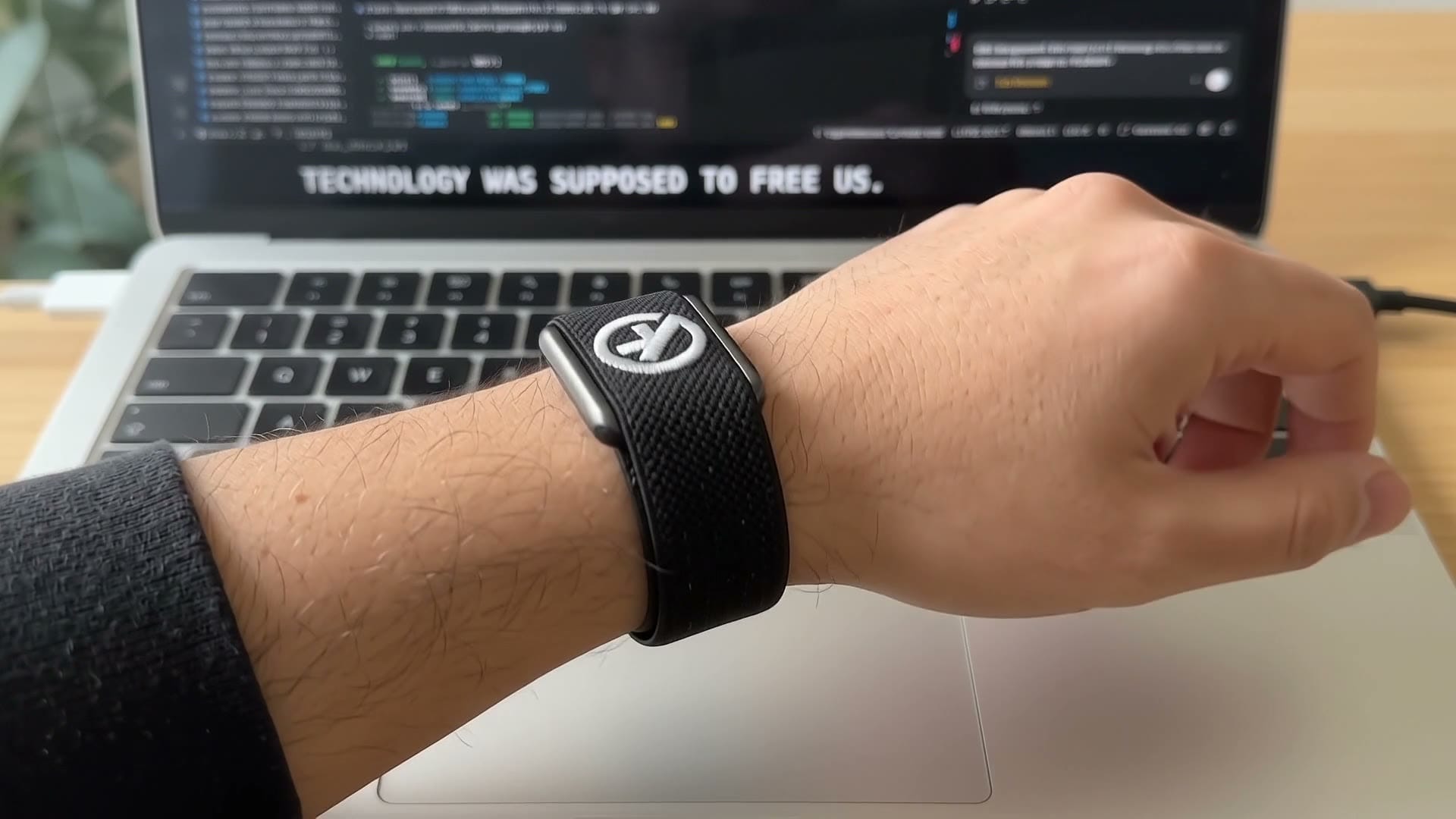
Technology was supposed to free us. Instead, every app wants your eyes and your hands.
OD Life has no screen at all. Press the button, say what you need, and your okDoc assistant takes it from there.
Get to know OD Life.
Press. Speak. Done. One button wakes your assistant: press and hold to talk, let go to send.
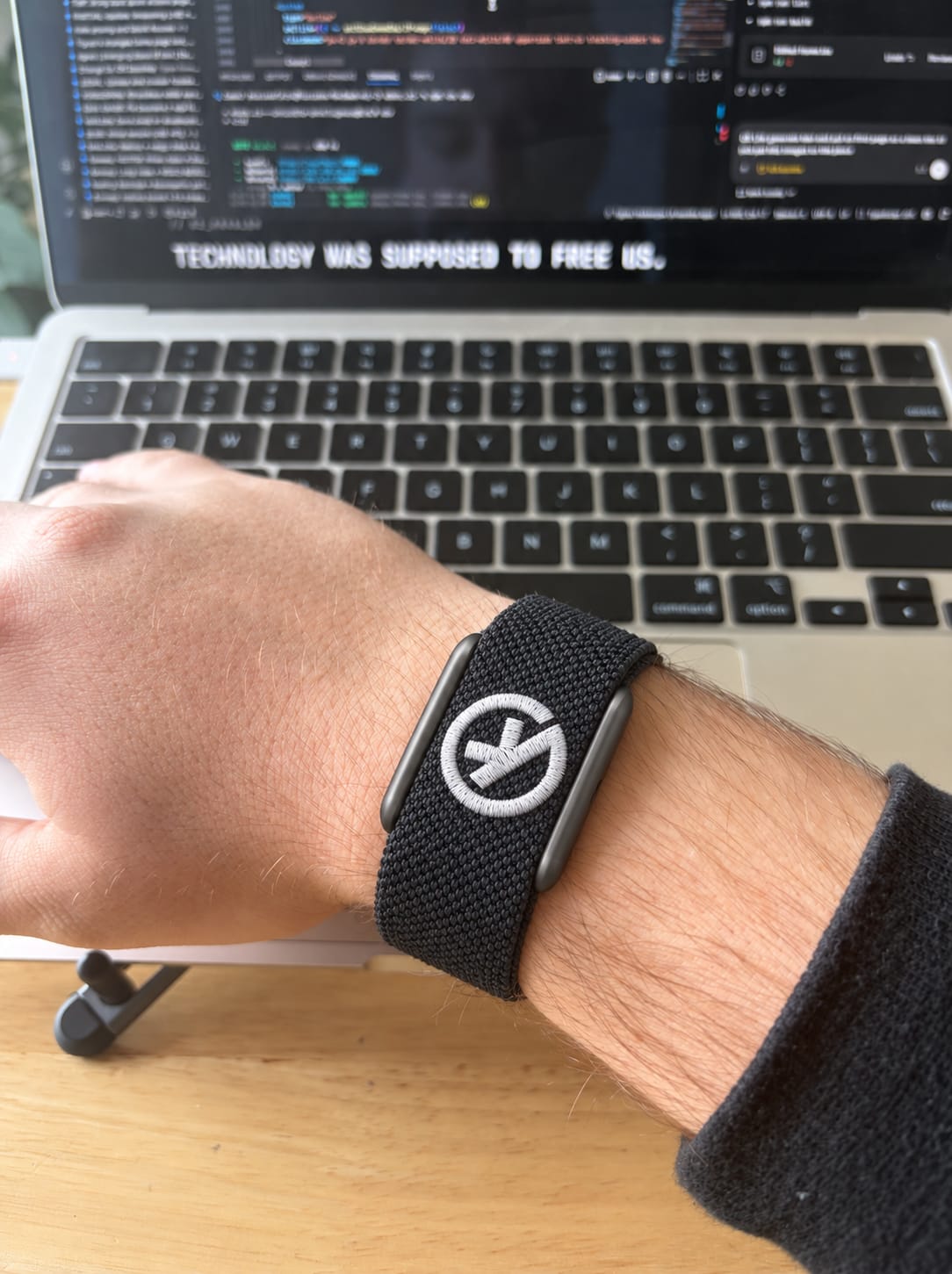
No screen to pull you in. Nothing to scroll, swipe or check. Just the moment you are in.
It talks back. A built-in speaker answers right from your wrist.
Moves with you. Rests with you. A motion sensor counts your steps through the day. Wear it to bed and see how you slept in the okDoc app.
A tap when it matters. Gentle vibrations for the reminders and answers you asked for.
Push to talk
One button.
A world of answers.
No wake word listening in the background, and no screen waiting for a glance. Press and hold to talk, let go to send, and OD Life answers out loud or with a quiet tap.2
Press and hold.
The microphone listens only while you hold the button.
Say what you need.
Ask a question, set a reminder, take a note, or start one of your automations.
Hear it, or feel it.
A built-in speaker answers right from your wrist. Updates you asked for arrive as a tap.
Things you can say.3
Remind me to call Mom at six.
Note: parking is level 3, row F.
What’s on my calendar this afternoon?
Play the latest episode of my podcast.
Summarize my unread email.
Open my project folder on my desktop.
Ask for reminders, notes, your calendar, music and podcasts, a summary of your email, or your desktop through OD Desk.
Display-free
Nothing to scroll. Everything to notice.
Phones are built to hold your attention. OD Life is built to give it back. There is no screen. No feed, no glowing rectangle. Just help when you ask for it, and quiet when you don’t.
Activity and sleep
Keeps pace by day.
Keeps watch by night.
OD Life quietly keeps track while you move and while you rest, and puts it all in the okDoc app, next to your assistant.4
Every step, counted.
A motion sensor counts your steps through the day.
Sleep, on the record.
Wear it to bed and see how you slept in the okDoc app.
Sensors underneath.
Sensors on the underside measure your activity and sleep.
A tap on the wrist.
Gentle vibrations for the reminders and answers you asked for.
Design
Everything it needs.
Nothing it doesn’t.
- Push-to-talk button
- Microphone
- Vibration motor
- Speaker
- Motion sensor
- Sensors underneath
Specifications2
- Display
- There is no screen.
- Input
- Push-to-talk button and microphone.
- Audio
- Built-in speaker.
- Feedback
- Vibration motor.
- Sensors
- Motion sensor for steps; sensors on the underside for activity and sleep.
- Connection
- Pairs over Bluetooth with the okDoc app on iPhone and Android.
- Band
- Woven fabric, as in the prototype shown.
- Camera
- There is no camera.
- Battery life
- Announced before you are asked to order.
- Water resistance
- Announced before you are asked to order.
Privacy
Listens when you ask.
Not before.
- Push to talk. The microphone listens only while you hold the button.
- There is no camera. Nothing on your wrist can take a photo or a video.
- There is no screen. Nothing for anyone to read over your shoulder.
okDoc is built on a simple idea: your data is yours.
Founder reservation
Be first in line.
Reserve OD Life today for $10, and keep the price you saw here.1
$10 holds yours.
Fully refundable until you complete your order. Not a purchase, and no commitment to buy.
Founder price, locked.
$199 instead of $249 after launch. Your $10 counts toward it, so $189 is left when you order.
First in line.
Reservation holders are invited to order before anyone else. Shipping is estimated for early 2027.